How to Activate IPTV: Step-by-Step Guide for Beginners (2026)
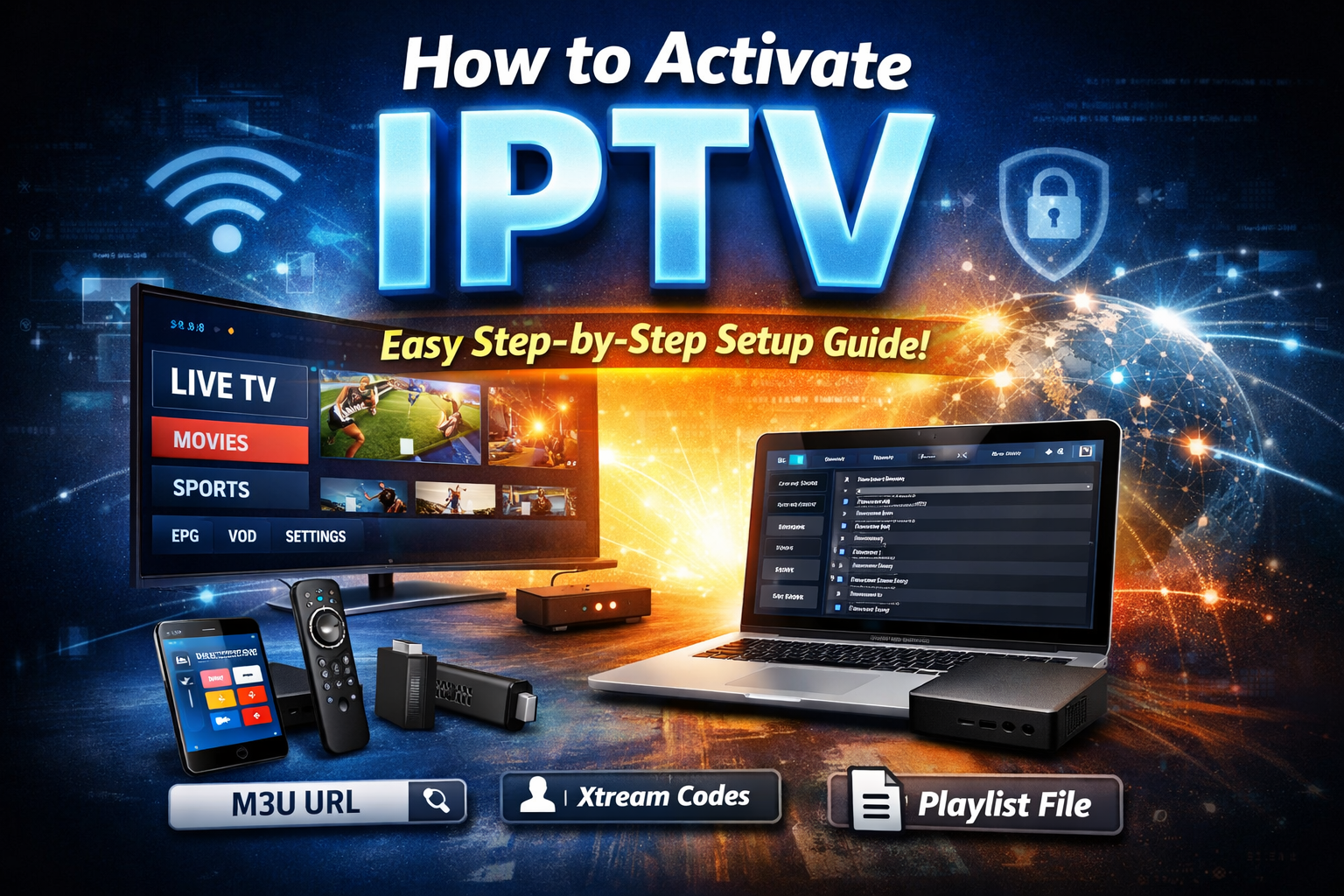
How to Activate IPTV: Step-by-Step Guide for Beginners (2026)
So you’ve got your IPTV subscription… but now you’re stuck thinking, “How do I actually activate IPTV?”
Don’t worry—this is where most people hesitate. The good news? Activating IPTV is way easier than it looks. Once you understand the process, it’s basically a 5–10 minute setup.
Let’s break it down step-by-step so you can start streaming like a pro.
What Do You Need Before Activating IPTV?
Before jumping into activation, make sure you’ve got these basics ready:
- A stable internet connection (very important)
- An active IPTV subscription
- A compatible device (Smart TV, Android box, Firestick, PC, or smartphone)
- An IPTV app or player
- Your IPTV login details (M3U URL or Xtream Codes)
If you have all this, you’re already halfway there.
What Are IPTV Login Credentials?
When you buy an IPTV subscription, your provider usually gives you one of these:
1. M3U URL
This is a long link that contains your playlist. It’s the most common way to activate IPTV.
2. Xtream Codes API
This includes:
- Username
- Password
- Server URL
This method is cleaner and easier for most apps.
How to Activate IPTV Using M3U URL
This is one of the most popular methods.
Step 1: Install an IPTV Player
First, download an IPTV player app like:
- IPTV Smarters
- TiviMate
- Smart IPTV
- GSE Smart IPTV
These apps are available on Android, Firestick, iOS, and Smart TVs.
Step 2: Open the App
Launch the app and look for an option like:
- “Add Playlist”
- “Load M3U URL”
Step 3: Enter Your M3U Link
Paste the M3U URL given by your IPTV provider.
Make sure there are no spaces or errors—this part matters.
Step 4: Load Channels
Once you add the link, the app will start loading channels, movies, and series.
Boom. Your IPTV is activated.
How to Activate IPTV Using Xtream Codes API
This method is even smoother.
Step 1: Open Your IPTV App
Apps like IPTV Smarters support Xtream Codes login.
Step 2: Select “Login with Xtream Codes”
You’ll see fields for:
- Username
- Password
- Server URL
Step 3: Enter Your Details
Fill in exactly what your provider gave you.
Step 4: Click Login
The app will automatically load everything—live TV, VOD, and series.
Done. No stress, no confusion.
Best Devices to Activate IPTV On
You can activate IPTV on almost anything, but these are the best:
- Amazon Firestick (most popular)
- Android TV boxes
- Smart TVs (Samsung, LG)
- Smartphones (Android & iPhone)
- PCs and laptops
Firestick + IPTV is like a power combo—cheap and effective.
Common IPTV Activation Problems (And Fixes)
Let’s be real—sometimes things don’t go smoothly. Here’s how to fix common issues:
1. IPTV Not Loading
- Check your internet connection
- Restart your app or device
- Re-enter your login details
2. Invalid URL or Login Error
- Double-check your M3U or Xtream Codes
- Make sure your subscription is active
3. Buffering Issues
- Use a faster internet connection
- Close background apps
- Consider using a VPN to avoid throttling
4. Channels Not Showing
- Refresh playlist
- Clear app cache
- Reload the IPTV app
Do You Need a VPN to Activate IPTV?
Not always—but it can help.
A VPN can:
- Protect your privacy
- Prevent ISP throttling
- Unlock geo-restricted content
If your IPTV is buffering or blocked, a VPN might fix it instantly.
Tips for Smooth IPTV Activation
Want a flawless experience? Keep these in mind:
- Always use a reliable IPTV player
- Keep your app updated
- Use high-speed internet (at least 10 Mbps)
- Don’t share your IPTV account (can cause issues)
- Save your login details safely
Is Activating IPTV Legal?
Activating IPTV itself is completely legal.
However, legality depends on the content you’re accessing. If your IPTV provider is licensed, you’re good. If not, you should be cautious and aware of your country’s laws.
Final Thoughts: IPTV Activation Made Easy
Here’s the deal—activating IPTV isn’t some tech wizard stuff.
It’s simple:
- Install an app
- Enter your details
- Start streaming
That’s it.
Once you do it the first time, you’ll realize how easy it actually is. And after that? You’re unlocking a whole world of entertainment—live TV, sports, movies, everything in one place.
Conclusion
To conclude, How to Fix IPTV Freezing in Canada - Complete Guide for Smooth IPTV Streaming provides valuable insights into improving your IPTV experience on any device.
By following the steps in this guide, you can enjoy smooth and high-quality streaming with ease.
Always rely on a trusted IPTV provider, keep your app updated, and maintain a stable internet connection for the best performance.
For reliable IPTV services in the UK, visit
iptvca.it.com —
your go-to destination for premium IPTV UK subscriptions.
Contact Us
Have questions or need assistance? We're here to help!
Get in Touch
Email Us
contact@iptvca.it.com
Available 24/7
Call Us
+447476922424
Available 24/7
Live Chat
Available on our website
Response time: Under 5 minutes
Our Hours
Customer Support: 24/7
Sales Department: Mon-Fri, 9am-6pm GMT
Technical Support: 24/7
